
Lightroom presets
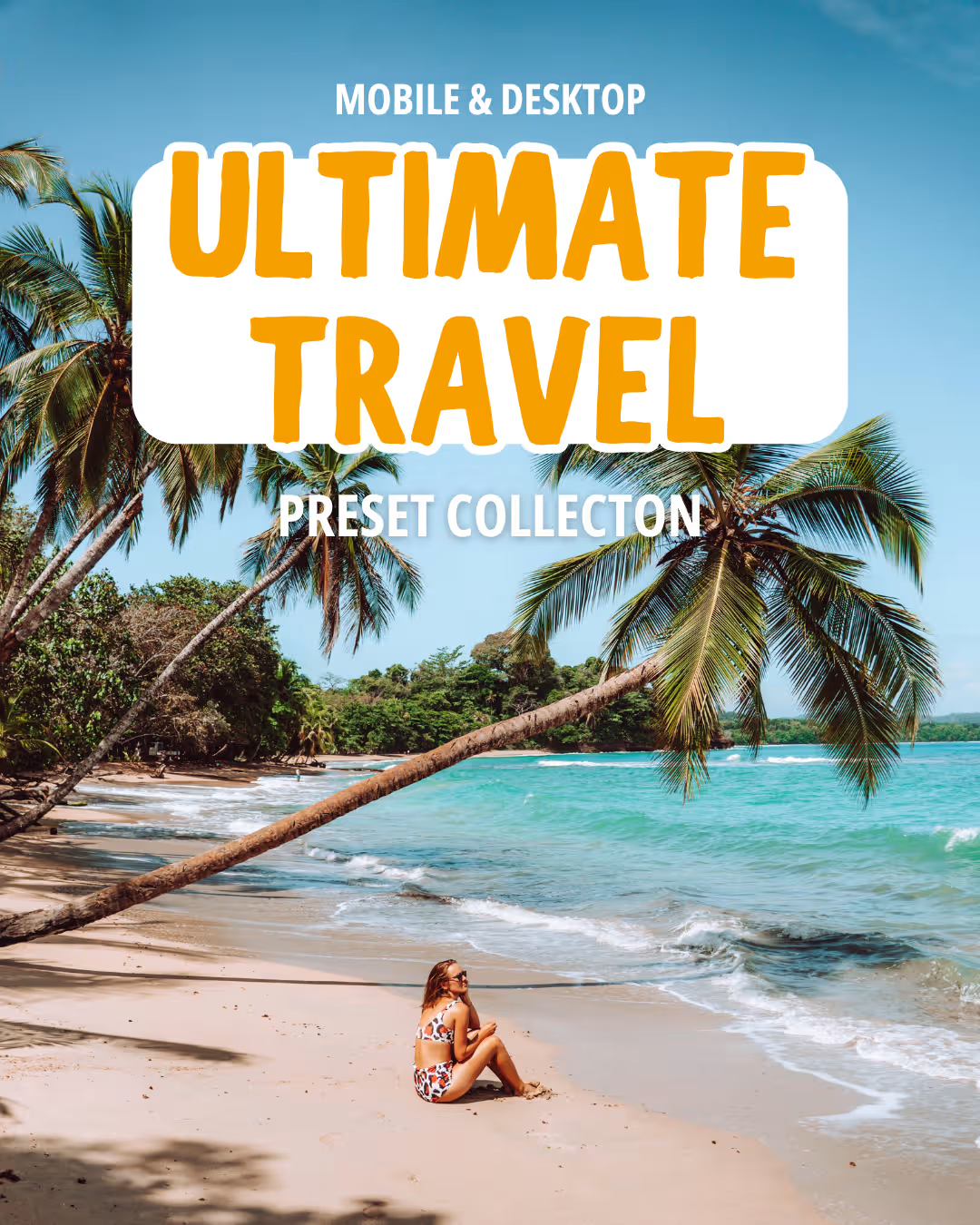
The Ultimate Travel Preset Collection
From €15
Secure checkout via Gumroad. Your purchase will open in a new tab, where you’ll get instant access to your download after checkout.
Maps
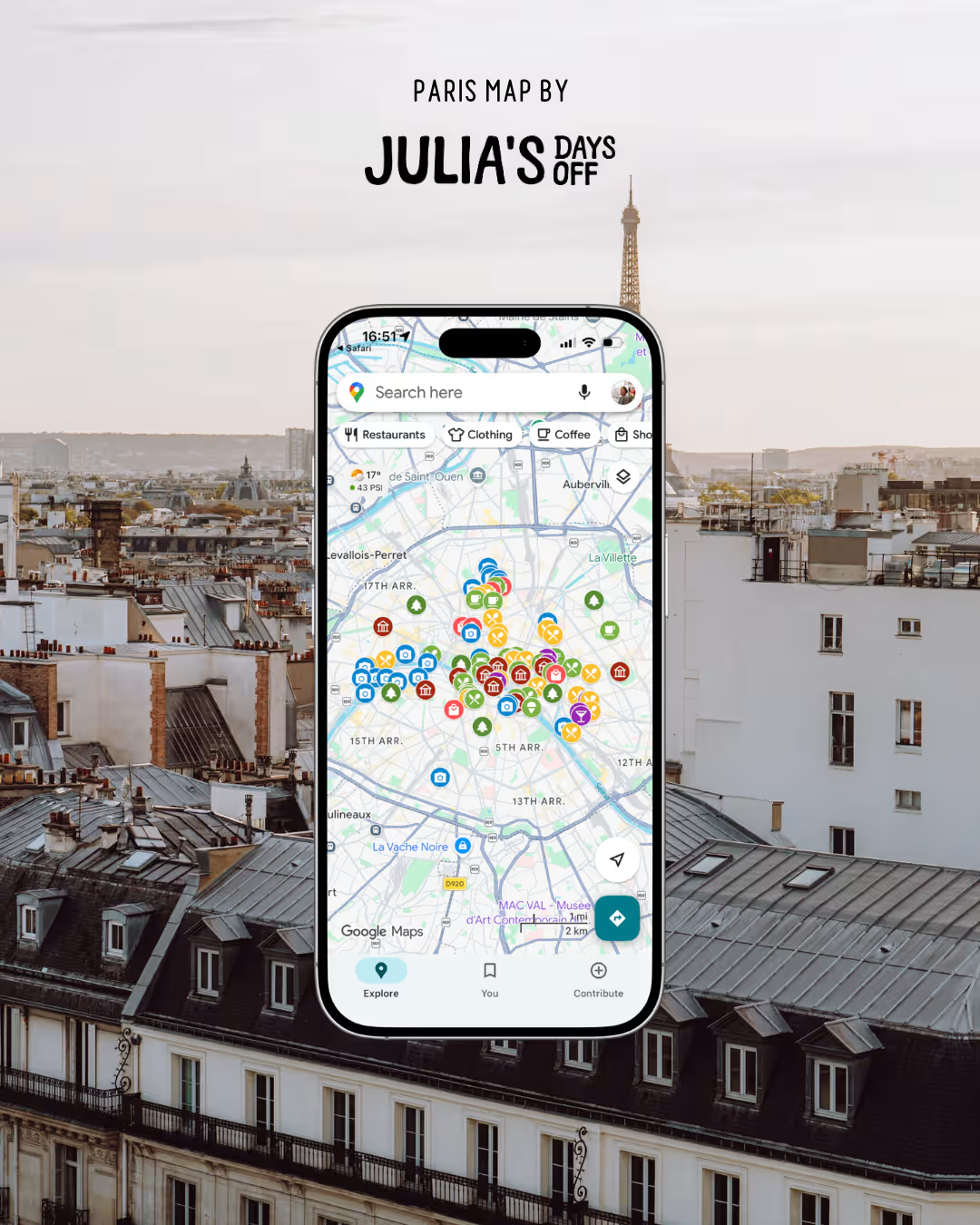
Paris Google Map
€9,50
Secure checkout via Gumroad. Your purchase will open in a new tab, where you’ll get instant access to your download after checkout.
Enhance your photos with Lightroom presets
After years of photo editing and fine-tuning of my very own Lightroom presets (filters) I finally made them available for purchase. My presets are designed to make your images pop, and your travel memories a little more colorful!
Want to see the difference after using them? Check out before-and-after editing on my Julia’s Days Off preset Instagram page.
Edit on the go using mobile presets
You can choose to purchase presets for the desktop or mobile version of Lightroom. The mobile Lightroom app is free to use, and with just one click using my mobile presets you can transform your photos and create that cohesive Instagram feed!
Preset FAQ
What is Lightroom?
Lightroom is a photo editing software developed by Adobe. It’s the most commonly used editing software among photographers.
I normally use Lightroom Classic, the desktop version, as it’s easier when handling a large number of photos. The desktop version of Lightroom is a part of Adobes Creative Cloud toolbox, among tools like Photoshop, Illustrator, and InDesign. The Lightroom mobile app, however, is free to download and use without an Adobe Creative Cloud subscription.
What are Lightroom presets?
A Lightroom preset is a pre-made filter that allows you to transform your images with just one click. Technically, a Lightroom preset is a group of saved settings in Lightroom. After applying it to your photo you then have the flexibility to adjust the settings so it best fit the image you are editing. All images are unuqie, and making individual changes might be needed to make the preset look the best on your image.
Why use Lightroom presets?
There are many benefits of using Lightroom presets. Lightroom presets are a great way to quickly enhance your photos. With only one click you transform your photos and create a consistent style. Lightroom presets are also a great way to speed up your workflow, since you don’t need to edit your photos individually (except for minor tweaks).
Presets are especially helpful if you are a beginner and are unsure of what to do with all the tools available in Lightroom.
What’s included in the preset pack?
My ‘Ultimate Travel Preset Pack’ includes the unique files used by Lightroom (XML for Desktop, or DNG for Mobile) for presets.
The preset pack includes 9 Lightroom presets. My preset pack also comes with a downloadable installation guide which includes editing tips and hacks.
How do I install your Lightroom presets?
Follow the detailed installation guide that’s included in your download after purchasing.
On what images do your presets work?
The presets are designed to work on all kinds of photos, but are slightly better on travel photos taken outside. They are tested on real-life photos shot by me or my Instagram followers. It’s good to note that all photos are unique, and things like lighting, temperature and colors can differ a lot. Making individual changes might be needed to make the preset look the best on your photos.
The mobile presets are created to work on JPEG photos taken with mobile phones, while the desktop presets are created to work best on RAW photos.
What’s the difference between mobile and desktop presets?
Mobile presets are designed to be used on Lightroom Mobile CC, a free mobile app offered by Adobe. The mobile presets are created to fit JPEG images taken with mobile phones.
The mobile presets are destined to be used only with the Lightroom Mobile CC app, and are not compatible with the desktop version.
Desktop presets are designed to work with Adobe Lightroom Classic, a desktop program used by many professional photographers. The desktop version of Lightroom is a part of Adobe’s Creative Cloud toolbox, among tools like Photoshop, Illustrator, and InDesignand require an Adobe Creative Cloud subscription.
The desktop presets are designed to be used on RAW photos (large files that cameras produce). That doesn’t mean you can’t use them on JPEG photos, you just might need to make slight adjustments (often to exposure and temperature) to make them fit your photo.
The desktop presets are a better option if you shoot in RAW or prefer more control of your editing, while the mobile presets are better for quick edits on photos taken with your phone.
Is Lightroom free to use?
The desktop version of Lightroom is a part of Adobe’s Creative Cloud toolbox, among tools like Photoshop, Illustrator, and InDesign, and requires an Adobe subscription. The Lightroom mobile app, however, is free to download and use.
I am new to Lightroom, can I still use your presets?
Yes, using Lightroom presets is the perfect way to learn photo editing. My presets are made for everyone: whether you’re a beginner or intermediate. They are easy to install and use, and include a detailed installation guide with useful tips and adjustment techniques.
Do your presets work on iPhone photos?
Yes! The mobile presets are created to fit JPEG images taken with mobile phones.
Maps FAQ
How do the digital maps work?
My maps are interactive Google Maps filled with handpicked places I’ve personally visited and loved. You’ll find everything from scenic viewpoints and cafés to restaurants, hidden gems and photo spots – all saved in one place.
After your purchase, you’ll receive a link to the map that you can open in Google Maps on your phone or computer. The maps are easy to use while planning your trip or exploring your destination.
I also update the maps whenever I discover new places, so you’ll always have access to the latest version.
Do I need a Google account?
Yes, you’ll need a free Google account to save and use the map in Google Maps.
Can I use the map offline?
The map itself requires an internet connection, but you can save areas for offline use in Google Maps before your trip.
Will I get future updates?
Yes! Whenever I add new places or improve the map, you’ll automatically have access to the updated version.
Purchasing information
Where do I buy the products?
I use Gumroad as my secure checkout and delivery platform for all digital products. Your purchase is processed safely through Gumroad, and you’ll receive your travel guide or map immediately after payment.
Do you accept returns?
Since this product is a digital download, all sales are non-refundable and final. You will have the product forever and free to use it forever.
As my presets are copyrighted, they must not be shared, redistributed or re-sold.
When do I receive the presets after purchasing them?
The presets will be sent to you immediately after you purchase them, along with the installation guide.
There’s something wrong with my order – what do I do?
If something went wrong with your order, please contact hello[at]juliasdaysoff.com.